База знаний Cloupard
5.2.1. Client’s creation
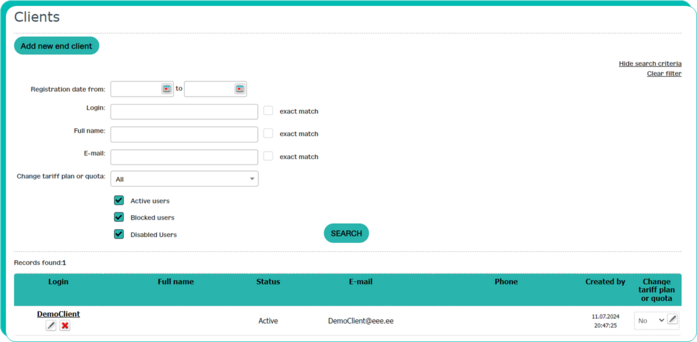
WL Partner’s end client’s (EC) accounts and services management is performed in the control panel’s https://console.cloupard.kz charts “Account” – “Clients”.

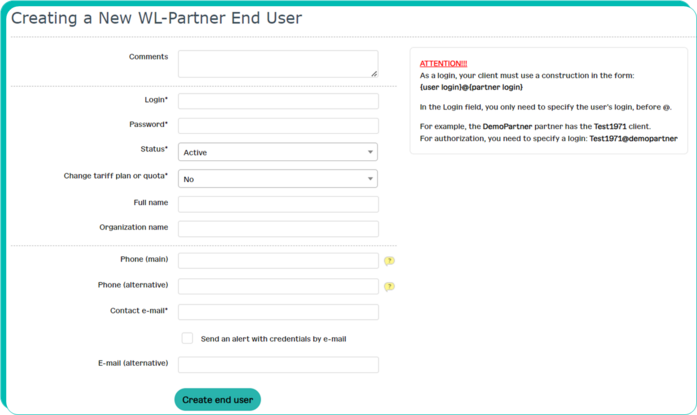
Press the "Add new end client" button, enter all the necessary client data, click on "Create end user".
A new Client has been created.
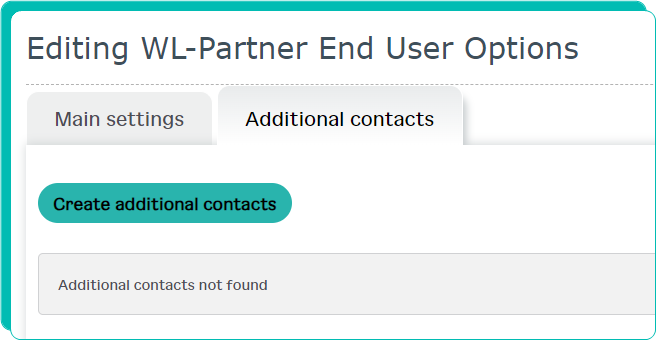
If the end user has several employees who need access to the control panel, it is possible to create additional accounts. To do this, click on the Client's login, go to the "Additional contacts" page and add contacts in the same way as the main one.